What Is an MPD File? Complete Guide to DASH MPD Manifests (2026)
Modern online video streaming depends on intelligent delivery systems that adapt to changing network conditions, device capabilities, and user environments. When you stream a movie, attend a webinar, or watch a live sports broadcast, the video must:
- Start quickly
- Adjust quality automatically
- Avoid buffering
- Play smoothly across devices
Behind this seamless experience is a key component of MPEG-DASH streaming: the MPD file.
If you’ve worked with DASH streams before, you’ve likely encountered URLs ending in .mpd. But what exactly is an MPD file? Why is it essential for adaptive streaming? And how do HTML5 video players use it?
In this complete guide, we’ll cover:
- What an MPD file is
- Why it’s important
- How it works step by step
- Its internal XML structure
- How HTML5 players process MPD manifests
- Differences between MPD and M3U8
- Live streaming with MPD
- DRM integration
- Common issues and troubleshooting
- Performance benefits
- When to use MPD files
- The future of DASH manifests
What Is an MPD File?
An MPD file stands for Media Presentation Description.
It is a manifest file used in MPEG-DASH (Dynamic Adaptive Streaming over HTTP).
An MPD file does not contain video data.
Instead, it acts as a roadmap that tells the video player:
- Where video segments are located
- What quality levels are available
- How audio and video streams are organized
- What codecs are used
- How segments are timed
- Whether DRM protection is enabled
Without the MPD file, a DASH video player would not know how to retrieve and assemble the video stream.
Why MPD Files Are Important in DASH Streaming?
Traditional video playback (like MP4 streaming) works as a single file download or progressive stream.
DASH works differently.
Instead of a single file, DASH:
- Breaks video into small segments
- Encodes multiple quality versions
- Allows dynamic switching between qualities
The MPD file coordinates this entire process.
It enables:
- Adaptive bitrate streaming
- Smooth resolution switching
- Efficient bandwidth usage
- Cross-device compatibility
- DRM enforcement
In simple terms, the MPD file is the control center of a DASH stream.
How an MPD File Works (Step by Step)?
Let’s break down the streaming workflow.
1. User Starts Playback
When a user clicks play on a DASH stream:
The video player first downloads the .mpd file.
This file is typically small and loads quickly.
2. The Player Parses the MPD
The HTML5 player reads the XML structure of the MPD file to identify:
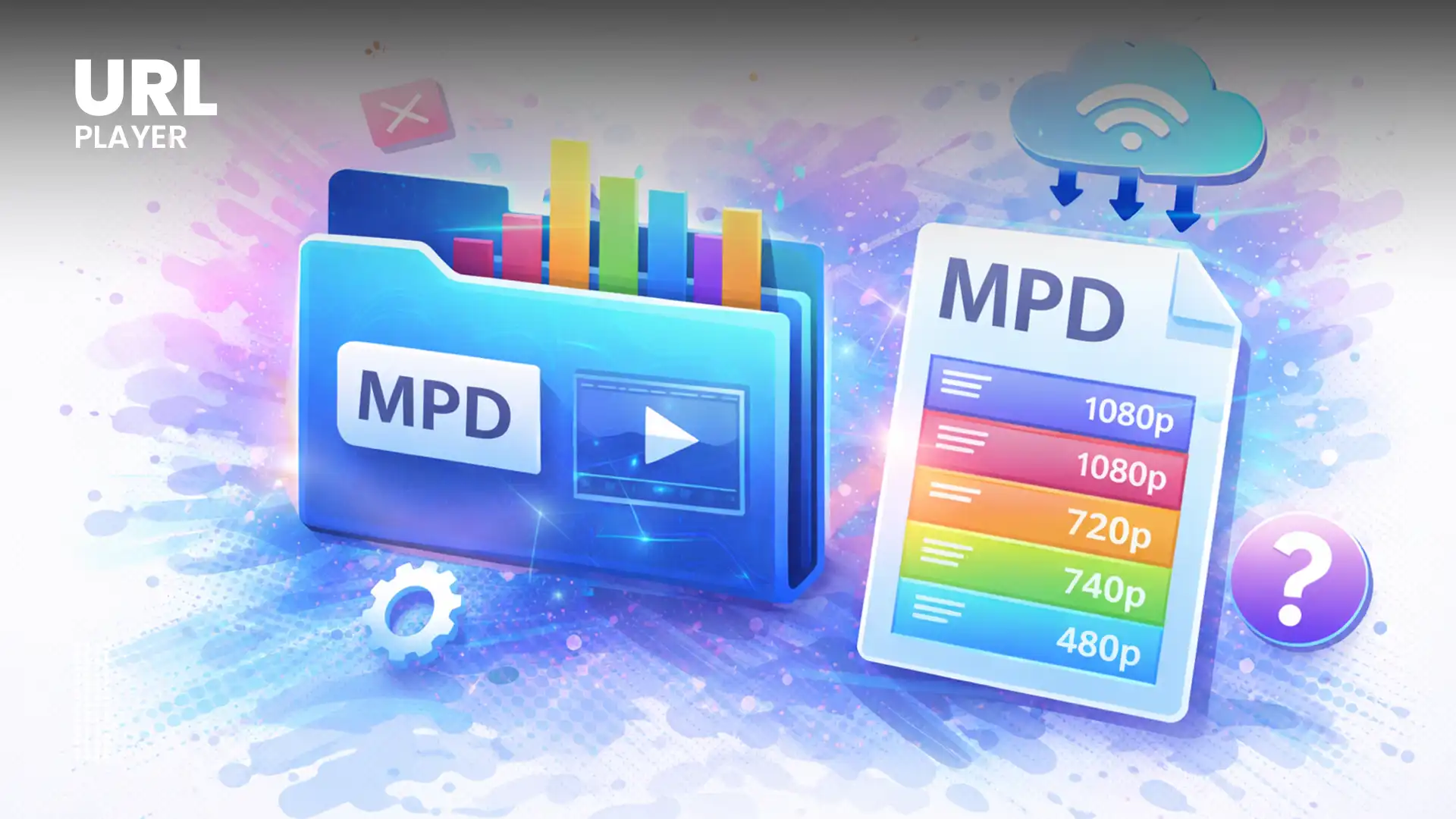
- Available video resolutions (e.g., 360p, 720p, 1080p, 4K)
- Bitrate options
- Supported codecs
- Audio tracks
- Subtitle tracks
- Segment duration
- Segment locations
The player now understands the structure of the stream.
3. Initial Quality Selection
Based on:
- Current internet speed
- Device CPU power
- Screen resolution
- Buffer health
The player selects an appropriate starting bitrate.
4. Segment-Based Downloading
Instead of downloading an entire video file, the player:
- Requests small segments (typically 2–10 seconds long)
- Buffers them dynamically
- Plays them sequentially
Segments are usually stored as:
- Fragmented MP4 (fMP4) files
5. Adaptive Bitrate Switching
During playback, the player continuously monitors:
- Network speed
- Buffer size
- Dropped frames
- CPU usage
If the network slows down:
- The player switches to a lower bitrate representation.
If the connection improves:
- The player switches to higher quality.
This switching happens seamlessly without restarting playback.
The MPD makes this possible by defining all available representations.
MPD File Structure Explained
MPD files are written in XML format.
While they may appear complex, they follow a structured hierarchy.
1. MPD Root Element
The root element defines:
- Type (static or dynamic)
- Media duration
- Timing information
- Profiles used
Example:
<MPD type="static" mediaPresentationDuration="PT2H0M0S">
If type="dynamic", the stream is live
2. Period
A Period represents a section of the media timeline.
- On-demand videos usually have one Period.
- Live streams may contain multiple Periods.
3. AdaptationSet
An AdaptationSet groups related media streams.
Typical AdaptationSets include:
- Video
- Audio
- Subtitles
Each AdaptationSet contains multiple quality variations.
4. Representation
Each Representation defines a specific quality level.
Attributes include:
bandwidthwidthheightcodecs
Example:
<Representation bandwidth="1500000" width="1280" height="720">
Each representation points to a different version of the content.
5. Segment Information
Segment details may be defined using:
<BaseURL><SegmentTemplate><SegmentList>
These elements tell the player:
- Where segments are located
- How they are named
- How long each segment lasts
Simplified MPD Example
<MPD>
  <Period>
    <AdaptationSet mimeType="video/mp4">
      <Representation bandwidth="1500000" width="1280" height="720">
        <BaseURL>video/720p/</BaseURL>
      </Representation>
      <Representation bandwidth="3000000" width="1920" height="1080">
        <BaseURL>video/1080p/</BaseURL>
      </Representation>
    </AdaptationSet>
  </Period>
</MPD>
This shows:
- Two video qualities
- Separate segment paths
- Adaptive switching support
MPD File vs M3U8 Playlist
MPD files are often compared to HLS playlists (.m3u8).
Differences
| Feature | MPD | M3U8 |
|---|---|---|
| Format | XML | Text playlist |
| Protocol | DASH | HLS |
| Origin | MPEG | Apple |
| Native Safari Support | No | Yes |
Similarities
- Both enable adaptive streaming
- Both define segment locations
- Both support multi-quality streams
Both require HTML5 players with JavaScript handling in most browsers.
MPD Files and HTML5 Video Players
HTML5 <video> alone cannot directly play MPD files.
Instead, DASH playback relies on:
- JavaScript streaming engines
- Media Source Extensions (MSE)
Playback Workflow in HTML5
- Load MPD file
- Parse XML structure
- Identify representations
- Download segments
- Append segments to buffer via MSE
- Switch quality dynamically
MSE allows JavaScript to append video segments directly to the media buffer.
Without MSE, DASH streaming would not work in browsers.
Live Streaming with MPD Files
MPD files are used for both:
- Video on Demand (VOD)
- Live streaming
Live MPD Characteristics
For live streams:
type="dynamic"- Manifest updates continuously
- Includes availability start time
- Defines segment timeline
The player periodically refreshes the MPD to:
- Detect new segments
- Maintain synchronization
- Minimize latency
Low-latency DASH configurations further reduce delay in live broadcasts.
DRM and MPD Files
One of DASH’s strongest features is DRM integration.
MPD files can include:
- ContentProtection elements
- Key IDs
- License server URLs
- Encryption schemes
DRM systems commonly used:
- Google Widevine
- Microsoft PlayReady
DRM is implemented in browsers via:
- Encrypted Media Extensions (EME)
This allows:
- Secure streaming
- Subscription-based platforms
- Enterprise content protection
Common MPD File Issues
MPD File Not Playing
Possible causes:
- CORS restrictions
- Invalid segment URLs
- Unsupported codecs
- Missing HTTPS
- DRM misconfiguration
Video Buffers Frequently
Possible reasons:
- Slow network
- Long segment duration
- CDN latency
- Incorrect bitrate ladder
- Player configuration errors
Proper MPD configuration is essential for smooth streaming.
Performance Benefits of MPD-Based Streaming
From a user experience perspective, DASH streaming:
- Reduces buffering
- Improves startup time
- Optimizes bandwidth
- Enhances engagement
Better streaming performance can lead to:
- Longer session duration
- Lower bounce rates
- Higher viewer retention
For professional platforms, these benefits are critical.
When Should You Use an MPD File?
Use MPD files when you:
- Need adaptive bitrate streaming
- Deliver long-form content
- Serve global audiences
- Require DRM protection
- Operate OTT or subscription platforms
- Stream live events
MPD-based streaming is ideal for scalable, professional video delivery.
The Future of MPD Files and DASH Streaming
DASH and MPD files continue evolving.
Future improvements include:
- Low-latency DASH
- AV1 and HEVC codec integration
- AI-driven bitrate adaptation
- Enhanced mobile optimization
- Improved multi-audio support
MPD files will remain a core component of streaming infrastructure for years to come.
Conclusion
An MPD file is the backbone of MPEG-DASH streaming.
Although it does not contain video data itself, it defines:
- How video is structured
- Where segments are located
- How quality adapts
- How content is protected
Without the MPD manifest, DASH streaming would not function.
Understanding MPD files is essential for:
- Developers
- Streaming engineers
- OTT platforms
- QA testers
- Content publishers
As adaptive streaming continues to dominate online video delivery, MPD files will remain central to building scalable, efficient, and secure streaming solutions.