Best HTML5 Video Player for Websites (2026 Comparison Guide)

Best HTML5 Video Player for Websites (2026 Guide)
Video has become a core element of modern websites. Whether you run an e-commerce store, SaaS platform, media publication, corporate website, or online course platform, video influences engagement, trust, and conversion rates.
But publishing video content is only part of the strategy.
The HTML5 video player you choose can directly affect:
- Page performance
- User experience
- Mobile compatibility
- Security
- Monetization
- Analytics accuracy
In this complete 2026 comparison guide, we’ll explore:
- What makes a great HTML5 video player
- Key features to evaluate
- Popular HTML5 video players compared
- Open-source vs commercial solutions
- Which player is best for different use cases
- How to choose the right one for your website
This guide is designed to help you make an informed, business-focused decision.
What Is an HTML5 Video Player?
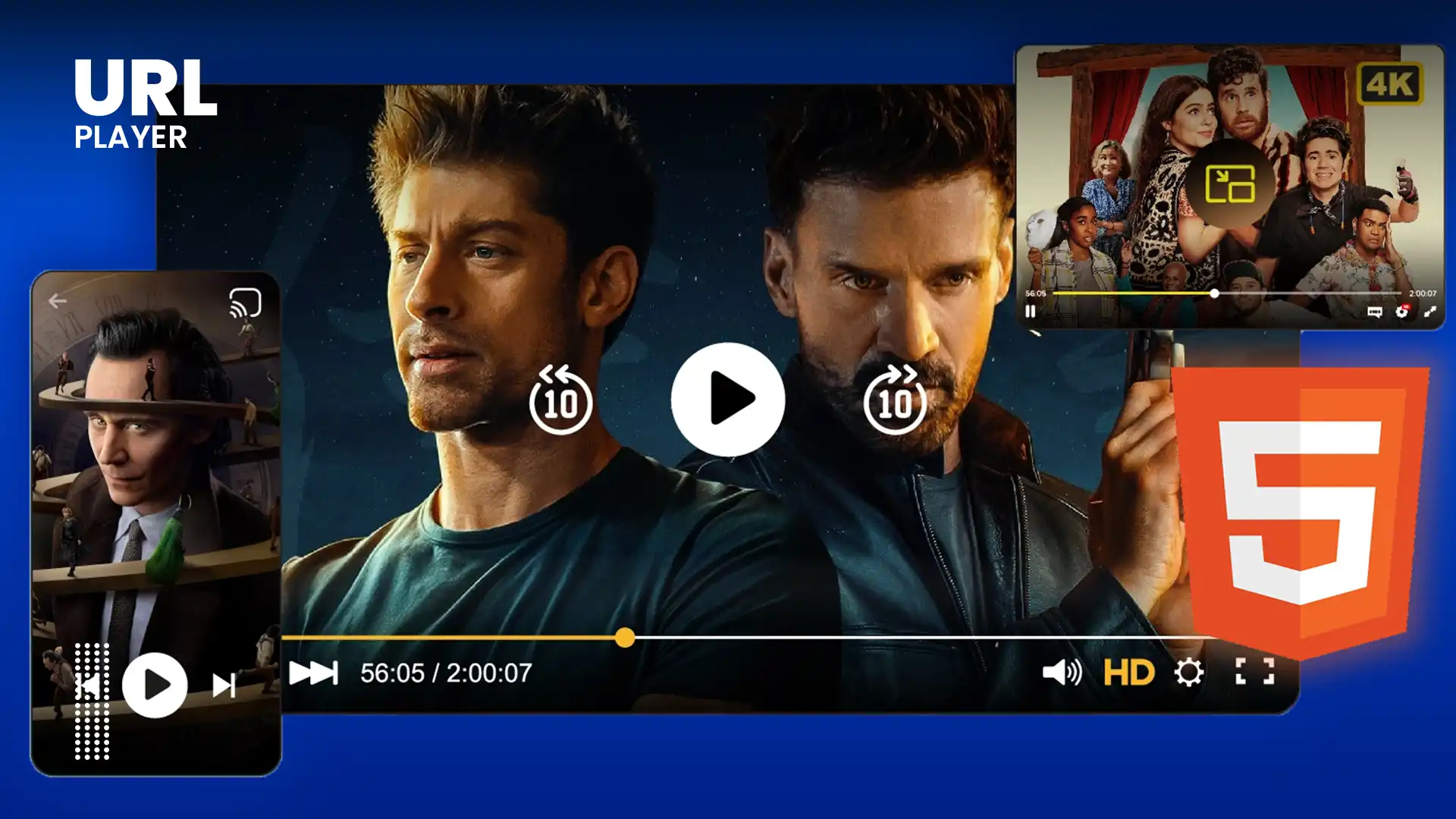
An HTML5 video player is a web-based video playback solution built around the native <video> element introduced in HTML5.
Unlike older plugin-based players (such as Flash), HTML5 players:
- Run natively inside modern browsers
- Support adaptive streaming
- Work on mobile devices
- Offer better security
- Do not require external plugins
Most modern streaming websites rely entirely on HTML5-based players.
Why Choosing the Right HTML5 Player Matters?
Many businesses underestimate the impact of the player itself.
The right player can improve:
- Video startup speed
- Playback stability
- Mobile responsiveness
- Conversion rates
- SEO performance
- Accessibility compliance
The wrong choice can result in:
- Buffering issues
- Limited customization
- Poor analytics
- Security risks
- Brand inconsistency
Selecting the best HTML5 player is both a technical and strategic decision.
Key Features to Look For in an HTML5 Video Player
Before comparing specific players, understand the essential features.
1. Adaptive Streaming Support (HLS & DASH)
Modern players should support:
- HLS (.m3u8)
- MPEG-DASH (.mpd)
Adaptive streaming ensures:
- Automatic quality switching
- Reduced buffering
- Better performance on slow networks
2. Cross-Browser Compatibility
Your player must work on:
- Chrome
- Firefox
- Edge
- Safari
- Mobile browsers
Compatibility ensures maximum reach.
3. Customization & Branding
Look for:
- Custom colors
- Logo integration
- Custom controls
- Responsive layouts
Brand consistency builds trust.
4. Performance & Speed
Evaluate:
- Video startup time
- Buffer efficiency
- Memory usage
- Hardware acceleration support
Speed directly affects engagement.
5. Security Features
For premium or private content:
- HTTPS delivery
- Token-based authentication
- DRM integration
- Domain restrictions
Security is critical for subscription models.
6. Analytics & Tracking
Advanced players provide:
- Play rate
- Completion rate
- Drop-off analysis
- Engagement heatmaps
- Device breakdown
Analytics help optimize content performance.
7. Monetization Support
For revenue-focused sites:
- Ad integration (VAST, pre-roll, mid-roll)
- Subscription integration
- In-video calls to action
Best HTML5 Video Players Compared
Below is a professional comparison of popular HTML5 video players used in 2026.
1. Video.js
Overview:
Video.js is a widely used open-source HTML5 video player framework.
Strengths:
- Fully customizable
- Large plugin ecosystem
- Open source
- Strong community support
- HLS and DASH support
Limitations:
- Requires developer setup
- Analytics and monetization must be integrated manually
Best For:
- Developers building custom solutions
- Websites needing full control
2. JW Player
Overview:
JW Player is a commercial HTML5 video platform with hosting and monetization features.
Strengths:
- Professional UI
- Built-in analytics
- Monetization tools
- Strong adaptive streaming support
Limitations:
- Paid licensing
- Less flexibility than open-source solutions
Best For:
- Publishers
- Media websites
- Businesses needing turnkey solutions
3. Bitmovin Player
Overview:
Bitmovin offers an enterprise-grade HTML5 video player with advanced streaming features.
Strengths:
- Excellent adaptive streaming
- DRM integration
- Low-latency streaming
- Enterprise-level support
Limitations:
- Premium pricing
- Designed for larger platforms
Best For:
- Large-scale streaming platforms
- OTT services
4. Plyr
Overview:
Plyr is a lightweight HTML5 player focused on clean design and simplicity.
Strengths:
- Minimalistic UI
- Lightweight
- Easy to integrate
- Supports YouTube & Vimeo embeds
Limitations:
- Limited advanced streaming features
- Not ideal for enterprise needs
Best For:
- Blogs
- Small business websites
- Marketing pages
5. Shaka Player
Overview:
Shaka Player is an open-source player focused on DASH and DRM support.
Strengths:
- Strong DASH support
- DRM integration
- Good for adaptive streaming
Limitations:
- Technical setup required
- Not design-focused
Best For:
- Secure streaming platforms
- Developers needing DRM playback
6. hls.js (Library)
Overview:
hls.js enables HLS playback in browsers that do not support it natively.
Strengths:
- Lightweight
- Enables cross-browser HLS
Limitations:
- Not a full UI player
- Requires integration with other players
Best For:
- Developers implementing HLS manually
Comparison Summary
If you need:
Full customization → Video.js
Enterprise streaming → Bitmovin
Monetization + managed service → JW Player
Lightweight marketing use → Plyr
Advanced DASH + DRM → Shaka Player
There is no universal “best” player — the best choice depends on your business model.
Open Source vs Commercial HTML5 Players
Open Source Advantages:
- No licensing fees
- Full control
- Customizable
Commercial Platform Advantages:
- Faster setup
- Built-in analytics
- Dedicated support
- Managed infrastructure
Your technical resources determine the best fit.
Choosing Based on Your Industry
E-Commerce Websites
Focus on:
- Fast startup time
- Mobile performance
- Clear calls to action
Lightweight players are often ideal.
SaaS Companies
Need:
- Demo video clarity
- Conversion tracking
- Analytics integration
Education Platforms
Require:
- Chapter navigation
- Progress tracking
- Accessibility compliance
Media Publishers
Prioritize:
- Monetization tools
- Ad integration
- Scalability
Subscription Streaming Services
Require:
- DRM support
- Token authentication
- Adaptive streaming
- CDN integration
Performance and SEO Considerations
Google considers user experience signals.
A fast, stable video player can improve:
- Time on page
- Bounce rate
- Engagement metrics
Video performance impacts:
- Core Web Vitals
- Mobile experience
- User satisfaction
Choose a player optimized for speed.
Future Trends in HTML5 Video Players
Emerging innovations include:
- AI-based bitrate adaptation
- Low-latency streaming
- Interactive video features
- Personalized playback
- Improved accessibility tools
HTML5 remains the foundation of web video delivery.
How to Make the Final Decision?
Ask yourself:
- What is my primary goal with video?
- Do I need monetization?
- Is security critical?
- Do I have development resources?
- Will I scale globally?
- What is my budget?
Testing multiple players before deployment is recommended.
Conclusion
The best HTML5 video player for your website depends on your business goals, technical resources, and audience expectations.
For simple marketing pages, a lightweight customizable player may be enough.
For enterprise streaming platforms, advanced DRM-enabled solutions are necessary.
For publishers, monetization and analytics may be the priority.
By understanding performance, scalability, security, and user experience factors, you can choose a video player that enhances engagement, protects content, and supports long-term business growth.
In 2026 and beyond, HTML5 remains the standard for web-based video delivery — and selecting the right player is a critical step toward maximizing your digital strategy.