How Adaptive Bitrate Streaming Improves User Experience (2026 Guide)

In today’s digital landscape, video has become the dominant form of online communication. From entertainment platforms and e-learning portals to SaaS product demos and live events, users expect seamless playback regardless of their internet speed or device.
However, delivering smooth video experiences to millions of viewers across varying network conditions is not simple.
This is where Adaptive Bitrate Streaming (ABR) plays a critical role.
Adaptive Bitrate Streaming dynamically adjusts video quality in real time based on network performance, device capability, and buffer health. Instead of delivering a fixed-quality file, ABR continuously optimizes playback to reduce buffering, improve startup time, and maintain visual clarity.
In this comprehensive guide, we will explore:
- What Adaptive Bitrate Streaming is
- How it works technically
- Why it improves user experience
- How ABR works with HLS and DASH
- The role of Media Source Extensions (MSE)
- Business benefits of ABR
- Performance optimization strategies
- Common implementation mistakes
- Future trends in adaptive streaming
What Is Adaptive Bitrate Streaming?
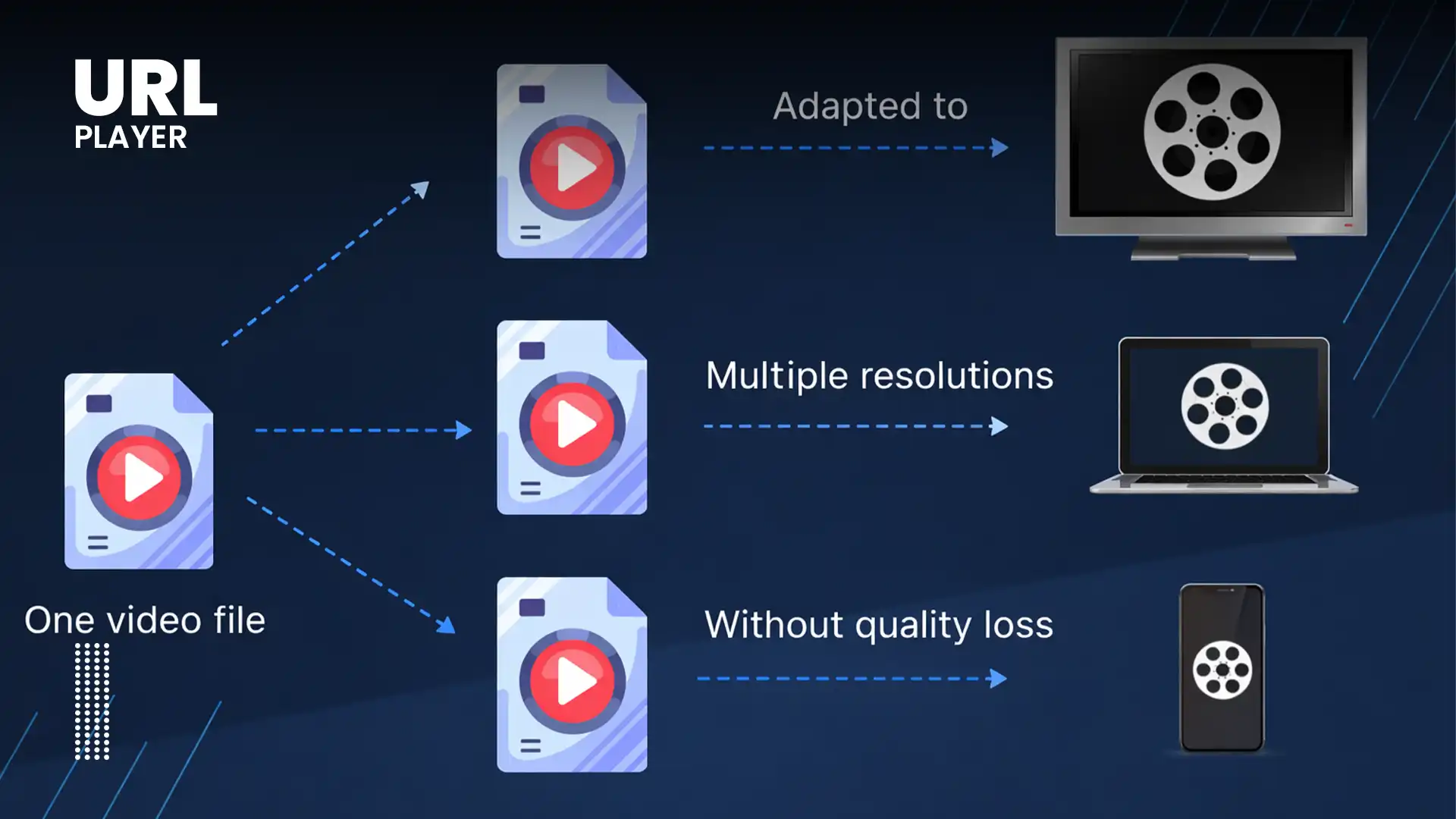
Adaptive Bitrate Streaming is a video delivery technique that allows a player to automatically switch between different video quality levels during playback.
Instead of sending a single video file at a fixed resolution and bitrate, the original content is encoded into multiple versions, such as:
- 240p (low bitrate)
- 360p
- 720p (HD)
- 1080p (Full HD)
- 4K (Ultra HD)
Each version represents a different quality and data rate.
The video player continuously monitors the user’s connection and switches between these versions without interrupting playback.
The viewer experiences minimal buffering while still receiving the highest quality their connection can support.
Why Fixed Bitrate Streaming Fails?
Before ABR became common, video was typically delivered as:
- A single MP4 file
- A fixed bitrate stream
This approach caused several problems:
- Slow startup time
- Buffering on unstable connections
- Wasted bandwidth on fast networks
- Poor performance on mobile devices
If the video bitrate was too high, users with slower connections would experience constant buffering. If it was too low, users with fast internet would see unnecessarily low quality.
Adaptive streaming solves this imbalance.
How Adaptive Bitrate Streaming Works?
Let’s break down the process step by step.
Step 1: Multi-Bitrate Encoding
The original video is encoded into multiple versions at different bitrates and resolutions.
For example:
- 400 kbps (low quality)
- 1.5 Mbps (HD)
- 3 Mbps (Full HD)
- 6 Mbps (4K)
Each version is split into small segments, typically 2–6 seconds long.
Step 2: Manifest File Creation
A manifest file is generated.
Depending on the streaming protocol:
- HLS uses an .m3u8 playlist
- MPEG-DASH uses an .mpd file
The manifest contains:
- Available quality levels
- Segment URLs
- Codec information
- Timing data
The manifest acts as a map for the video player.
Step 3: Initial Playback Decision
When a viewer presses play:
- The player downloads the manifest.
- It measures initial network speed.
- It selects a starting quality level.
Usually, playback starts at a moderate quality to reduce startup delay.
Step 4: Real-Time Monitoring
During playback, the player continuously monitors:
- Available bandwidth
- Buffer size
- CPU performance
- Device resolution
If network speed drops:
- The player switches to a lower bitrate.
If network speed improves:
- The player switches to a higher bitrate.
This switching happens seamlessly between segments.
How Adaptive Bitrate Improves User Experience?
ABR directly enhances user experience in several measurable ways.
1. Reduced Buffering
Buffering is one of the most frustrating aspects of video playback.
Adaptive streaming minimizes buffering by:
- Switching to lower quality when bandwidth drops
- Maintaining buffer stability
- Avoiding sudden interruptions
Users prefer slightly lower quality over constant pauses.
2. Faster Startup Time
Since ABR can start playback at a lower bitrate:
- Initial loading time decreases
- Viewers begin watching sooner
- Bounce rates decrease
Fast startup time improves engagement metrics.
3. Seamless Quality Transitions
Modern players switch quality between segments without visible interruptions.
Users often do not notice quality changes, which preserves immersion.
4. Optimized Mobile Performance
Mobile networks fluctuate frequently.
ABR ensures:
- Stable playback on 4G/5G
- Better battery efficiency
- Lower data consumption
This is critical for mobile-first audiences.
5. Better Performance on Global Networks
Users across different regions experience different connection speeds.
ABR enables:
- Consistent global experience
- Scalable streaming
- Optimized bandwidth usage
Adaptive Streaming Protocols: HLS & DASH
Adaptive Bitrate Streaming is commonly implemented using:
HLS (HTTP Live Streaming)
Developed by Apple.
- Uses .m3u8 playlists
- Segment-based delivery
- Strong mobile support
HLS works natively in Safari and via MSE in other browsers.
MPEG-DASH
An open standard.
- Uses .mpd manifests
- Flexible and widely supported
- Strong DRM compatibility
DASH relies heavily on Media Source Extensions (MSE) in browsers.
The Role of Media Source Extensions (MSE)
Media Source Extensions (MSE) allow browsers to:
- Append video segments dynamically
- Switch between quality levels
- Manage buffers efficiently
Without MSE, adaptive streaming would not work in most modern browsers.
MSE acts as the engine enabling ABR playback.
Business Benefits of Adaptive Bitrate Streaming
ABR is not just technical — it has measurable business impact.
Increased Viewer Retention
Reduced buffering leads to:
- Longer watch time
- Lower abandonment rates
- Higher engagement
Improved Conversion Rates
For:
- Product demos
- Sales videos
- Onboarding tutorials
Smooth playback improves trust and professionalism.
Better SEO Signals
Search engines measure:
- Time on page
- Bounce rate
- Engagement
ABR improves all three.
Reduced Support Requests
Users experiencing fewer playback issues means:
- Fewer complaints
- Lower support costs
- Higher customer satisfaction
Performance Optimization Best Practices
To maximize ABR performance:
Use Short Segment Durations
2–6 seconds per segment improves switching speed.
Optimize Encoding Profiles
Avoid unnecessary high bitrates.
Use efficient codecs such as:
- H.264
- HEVC
- AV1
Monitor Buffer Health
Smart players analyze:
- Buffer length
- Download time
- Network fluctuations
Use CDN Distribution
Content Delivery Networks reduce latency and improve global delivery.
Common Implementation Mistakes
Even with ABR, poor setup can harm performance.
Avoid:
- Encoding too many unnecessary quality levels
- Using overly large segment durations
- Ignoring mobile network variability
- Skipping CDN deployment
- Not testing under real-world conditions
Proper testing is essential.
Adaptive Bitrate vs Progressive Streaming
Progressive MP4:
- Single file
- Fixed quality
- Higher buffering risk
Adaptive Streaming:
- Multiple qualities
- Real-time switching
- Better mobile performance
- Global scalability
ABR is the modern standard.
Future of Adaptive Bitrate Streaming (2026 & Beyond)
Emerging innovations include:
- AI-driven bitrate selection
- Low-latency adaptive streaming
- Real-time viewer behavior analysis
- Smarter buffer prediction
- 5G-optimized delivery
Adaptive streaming will continue evolving to improve both quality and efficiency.
Conclusion
Adaptive Bitrate Streaming has fundamentally transformed how video is delivered online. By dynamically adjusting quality based on real-time conditions, ABR ensures smoother playback, faster startup times, and fewer interruptions.
For businesses, this means improved engagement, stronger brand perception, and higher conversion rates. For users, it means a seamless viewing experience regardless of device or network limitations.
As video continues to dominate digital communication, adaptive streaming remains a cornerstone technology powering the modern web.