What Is MPEG-DASH and How DASH Streaming Works? (Complete 2026 Guide)
What Is MPEG-DASH? How DASH Streaming Works? (2026 Guide).
Online video streaming has become the primary way people consume digital content. From watching movies and live sports to attending webinars, online courses, and corporate presentations, users expect smooth playback, minimal buffering, and automatic quality adjustment across devices.
Behind that seamless experience is a powerful streaming technology called MPEG-DASH.
MPEG-DASH enables adaptive video delivery over the internet, allowing video players to dynamically adjust quality in real time based on network conditions and device performance.
In this complete guide, you’ll learn:
- What MPEG-DASH is
- Why it was created
- How DASH streaming works step by step
- The technology behind adaptive bitrate streaming
- How DASH compares to MP4 and HLS
- DRM and content protection in DASH
- Live streaming with MPEG-DASH
- Browser compatibility
- When to use DASH
- The future of DASH streaming
What Is MPEG-DASH?

MPEG-DASH stands for Dynamic Adaptive Streaming over HTTP.
It is an internationally recognized open standard developed by the Moving Picture Experts Group (MPEG) to deliver high-quality video streaming over the internet.
Unlike traditional video delivery (such as downloading a full MP4 file), MPEG-DASH:
- Breaks video into small segments
- Offers multiple quality levels
- Allows real-time switching between bitrates
- Streams over standard HTTP
This adaptive design enables smooth playback even when internet speeds fluctuate.
Why MPEG-DASH Was Created?
Before adaptive streaming technologies like DASH, video delivery worked differently.
Videos were typically:
- Delivered as a single file
- Encoded at a fixed bitrate
- Streamed at one resolution
This created several problems:
- Buffering on slow networks
- Wasted bandwidth on fast connections
- Poor mobile performance
- Lack of flexibility
For example:
If a 1080p video was delivered to a user on a slow 3G network, playback would constantly buffer.
If the same video was delivered in 360p to a user with fast broadband, visual quality would suffer unnecessarily.
MPEG-DASH was created to solve these problems through adaptive bitrate streaming (ABR).
How DASH Streaming Works (Step by Step)
To understand DASH, we need to look at what happens behind the scenes.
1. Video Encoding
The original video file is encoded into multiple versions:
- 240p (low bitrate)
- 360p
- 480p
- 720p
- 1080p
- 4K (optional)
Each version is encoded at a different bitrate.
Audio may also be encoded in:
- Multiple languages
- Different quality levels
- Surround sound formats
Each quality level is called a representation.
2. Video Segmentation
After encoding, each version of the video is split into small segments.
Typical segment length:
- 2–10 seconds
Instead of one large file, the video becomes hundreds of small pieces.
These segments are usually stored as:
- Fragmented MP4 files (fMP4)
Segmenting allows the player to request only the segments it needs at a given quality.
3. MPD Manifest File
MPEG-DASH uses a manifest file called an MPD (Media Presentation Description).
The MPD file acts as a roadmap for the player.
It contains:
- Available video qualities
- Segment URLs
- Timing information
- Codec details
- Audio tracks
- Subtitle tracks
- DRM configuration (if enabled)
The MPD does not contain video itself — it describes how to retrieve it.
4. Player Requests the MPD
When a viewer presses play:
- The video player downloads the MPD file.
- The player analyzes available video and audio streams.
- The player selects an initial quality level based on current network conditions.
At this point, streaming begins.
5. Adaptive Bitrate Streaming (ABR)
During playback, the player continuously monitors:
- Network speed
- Buffer size
- CPU usage
- Device resolution
If the internet speed drops:
- The player switches to a lower bitrate stream.
If the connection improves:
- The player switches to a higher quality representation.
The key benefit:
This switching happens seamlessly, without stopping playback.
The viewer typically does not notice the transition.
Key Technologies Behind MPEG-DASH
MPEG-DASH depends on several important web technologies.
Media Source Extensions (MSE)
Media Source Extensions (MSE) is a browser API that enables dynamic streaming.
MSE allows JavaScript to:
- Download video segments
- Append them to a media buffer
- Control playback timing
- Switch quality levels
Without MSE:
- Adaptive streaming in browsers would not be possible.
- DASH playback would fail.
MSE turns the HTML5 <video> element into a programmable streaming engine.
HTTP-Based Delivery
DASH uses standard HTTP protocol.
This offers major advantages:
- Works with normal web servers
- Compatible with CDNs
- Firewall-friendly
- No proprietary streaming servers required
This makes DASH:
- Highly scalable
- Easy to deploy globally
Because it runs over HTTP, it integrates naturally into existing web infrastructure.
MPEG-DASH vs Traditional MP4 Streaming
Traditional MP4 Streaming
- Single file
- Fixed bitrate
- No adaptive switching
- High buffering risk
- Poor mobile performance
MPEG-DASH Streaming
- Segmented delivery
- Adaptive bitrate
- Efficient bandwidth usage
- Smooth playback
- Device-aware optimization
This is why modern platforms rarely rely solely on MP4 for large-scale streaming.
MPEG-DASH vs HLS (M3U8)
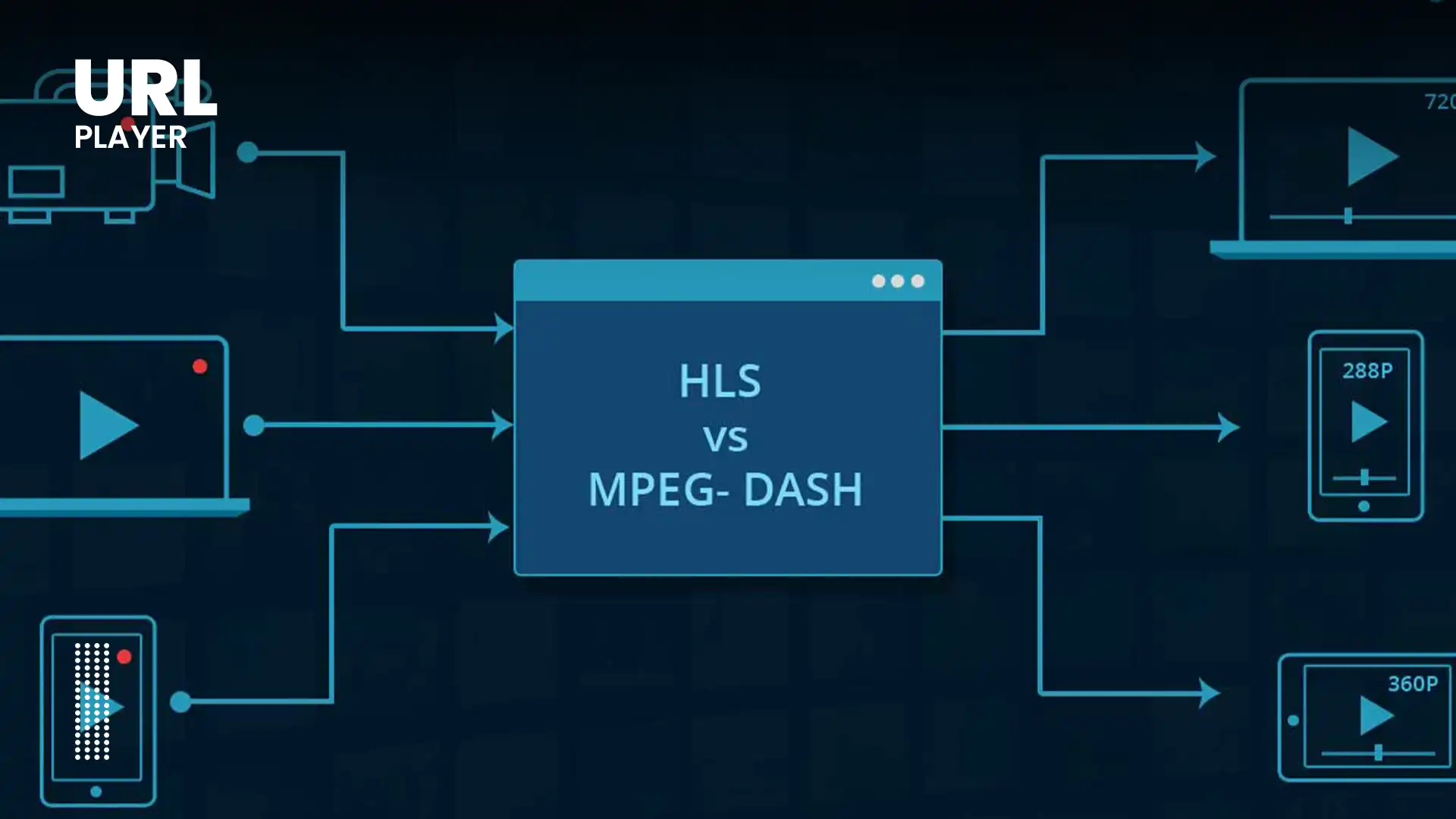
DASH is often compared to HLS.
Key Differences
| Feature | MPEG-DASH | HLS |
|---|---|---|
| Standard Type | Open standard | Originally Apple-based |
| Manifest File | .mpd | .m3u8 |
| Native Safari Support | No | Yes |
| Browser Playback | Via MSE | Native on Apple |
| DRM Support | Strong multi-DRM | Primarily FairPlay |
Both protocols support adaptive streaming, but implementation differs across browsers.
Why Major Platforms Use MPEG-DASH?
Large streaming platforms prefer DASH because it offers:
- High scalability
- Multi-device compatibility
- Efficient bandwidth usage
- Strong DRM support
- CDN optimization
DASH is commonly used by:
- OTT platforms
- Subscription video services
- Corporate streaming systems
- E-learning platforms
- Sports broadcasters
Its flexibility makes it ideal for global distribution.
DRM and Content Protection in DASH
One of DASH’s strongest features is DRM integration.
Common DRM Systems
- Google Widevine
- Microsoft PlayReady
- Apple FairPlay (limited support via HLS)
DRM is implemented using:
- Encrypted Media Extensions (EME)
This allows:
- License validation
- Encrypted segment delivery
- Secure playback
Because of its robust DRM capabilities, DASH is widely used for premium paid content.
Live Streaming with MPEG-DASH
DASH is not limited to on-demand streaming.
It also supports live streaming.
How DASH Live Streaming Works?
- Video is encoded in real time.
- Segments are generated continuously.
- The MPD file updates dynamically.
- The player requests new segments as they appear.
Latency can be optimized through:
- Shorter segments
- Low-latency configuration
- Buffer tuning
DASH live streaming is used for:
- Sports events
- Webinars
- Conferences
- News broadcasts
Advantages of MPEG-DASH
- Adaptive bitrate streaming
- Open and standardized
- CDN-friendly
- Works over HTTP
- Excellent DRM support
- Scalable for global audiences
- Multi-device compatibility
- Efficient bandwidth use
Disadvantages of MPEG-DASH
- No native Safari/iOS support
- Requires JavaScript-based players
- Slightly more complex setup
- Depends on MSE support
Despite these limitations, DASH remains a top choice for professional streaming.
MPEG-DASH and HTML5 Video Players
HTML5 players handle DASH by:
- Loading the MPD file
- Parsing representations
- Selecting initial bitrate
- Downloading segments
- Appending segments via MSE
- Switching quality dynamically
Modern browser-based players can handle DASH URLs seamlessly.
When Should You Use MPEG-DASH?
Use DASH if you:
- Need adaptive streaming
- Serve global audiences
- Require DRM protection
- Stream long-form video
- Broadcast live events
- Target multiple devices and browsers
DASH is ideal for scalable professional environments.
The Future of MPEG-DASH
MPEG-DASH continues evolving.
Upcoming trends include:
- Low-Latency DASH
- AV1 and HEVC codec integration
- Improved mobile optimization
- AI-based bitrate adaptation
- Better multi-audio support
- Enhanced analytics integration
DASH will remain a foundational streaming technology for years to come.
Conclusion
MPEG-DASH is one of the most powerful and flexible streaming technologies available today.
By delivering segmented video over HTTP and enabling adaptive bitrate switching, it ensures:
- Smooth playback
- Efficient bandwidth usage
- Scalability
- Strong content protection
Whether for OTT platforms, enterprise streaming, education, or live events, DASH provides the foundation for reliable and high-quality online video delivery.
Understanding how DASH works is essential for developers, streaming engineers, and content publishers who want to build modern, scalable video platforms.