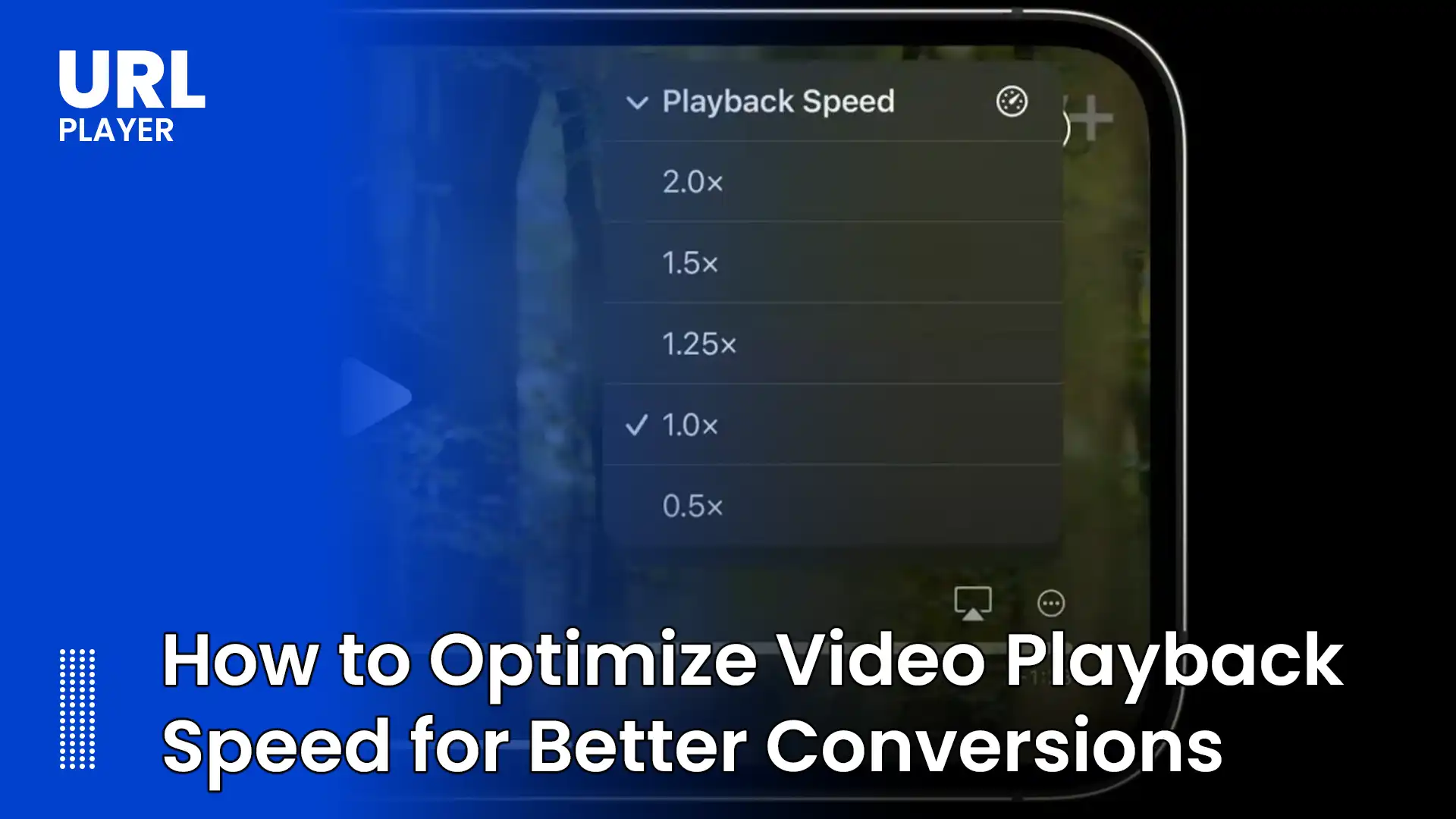
How to Optimize Video Playback Speed for Better Conversions (2026 Guide)
Video is one of the most persuasive forms of digital content. It explains products, builds trust, demonstrates features, and influences purchasing decisions. However, the effectiveness of video content is not determined by production quality alone. Performance plays an equally critical role.
If a video loads slowly, buffers frequently, or delays playback even by a few seconds, user engagement drops sharply. When engagement drops, conversions suffer.
Optimizing video playback speed is therefore not just a technical task — it is a direct conversion optimization strategy.
In this complete guide, we will explore:
- Why playback speed affects conversions
- How users react to video delays
- Technical causes of slow playback
- Encoding and bitrate optimization
- CDN strategies
- Adaptive streaming best practices
- Buffering control techniques
- Player optimization
- Mobile-specific improvements
- Measuring performance impact
Why Video Playback Speed Impacts Conversions?
Conversion behavior is highly sensitive to friction.
When users visit a landing page, product page, or demo page, they expect immediate feedback. If video playback takes too long to start, users may:
- Lose interest
- Scroll past the content
- Close the page
- Distrust the brand
Research consistently shows that even a 1-second delay can significantly reduce engagement metrics.
Video performance affects:
- Bounce rate
- Time on page
- Completion rate
- Click-through rate
- Purchase decisions
Fast playback creates momentum. Momentum increases conversions.
Understanding the Video Startup Delay
When a user clicks “Play,” the following must happen:
- DNS resolution
- TLS handshake (if HTTPS)
- Manifest download (for adaptive streaming)
- Segment request
- Buffer fill
- Decoding initialization
If any of these steps are slow, startup time increases.
The goal of optimization is reducing the time between:
User clicks “Play” → First frame appears
This metric is often called Time to First Frame (TTFF).
Lower TTFF = higher engagement.
1. Optimize Video Encoding Settings
Encoding plays a foundational role in playback speed.
Choose the Right Codec
Modern codecs like:
- H.264 (widely supported)
- H.265 / HEVC (efficient but limited support)
- AV1 (high compression efficiency)
Proper codec selection reduces file size without sacrificing quality.
Smaller files = faster startup.
Create an Efficient Bitrate Ladder
For adaptive streaming (HLS or DASH), prepare multiple renditions:
- 240p (low bandwidth)
- 360p
- 720p
- 1080p
The initial bitrate should be conservative.
Starting too high causes buffering.
Starting slightly lower ensures fast startup and allows quality to scale up.
Use Shorter Segment Durations
Segment length directly affects startup speed.
Recommended:
- 2–4 seconds per segment
Shorter segments:
- Load faster
- Allow quicker quality switching
- Improve perceived responsiveness
Long segments increase initial wait time.
2. Use Adaptive Bitrate Streaming
Adaptive streaming dramatically improves user experience.
Instead of delivering a single fixed-quality file, adaptive streaming:
- Detects user bandwidth
- Adjusts quality dynamically
- Prevents buffering
Protocols include:
- HLS (M3U8)
- MPEG-DASH (MPD)
Adaptive streaming ensures users on slower connections still experience smooth playback.
Smooth playback = higher watch time = better conversion.
3. Optimize CDN Delivery
A Content Delivery Network (CDN) reduces latency by serving video from servers geographically close to users.
Best practices:
- Use global CDN coverage
- Enable HTTP/2 or HTTP/3
- Activate edge caching
- Use connection reuse
Poor CDN configuration can add hundreds of milliseconds to startup time.
Choose a CDN optimized for streaming workloads.
4. Enable Preconnect and Preload
Modern browsers support performance hints:
Preconnect
Allows browser to establish connection early:
<link rel="preconnect" href="https://cdn.example.com">
This reduces connection latency.
Preload Poster Images
Display preview image instantly:
<video preload="metadata" poster="preview.jpg">
A visible poster improves perceived speed even before playback starts.
Perceived speed is just as important as actual speed.
5. Reduce Initial Buffer Size
Many players over-buffer by default.
A smaller initial buffer:
- Starts playback faster
- Reduces wait time
- Improves first impression
Balance is key.
Too small = risk of rebuffering.
Too large = slow startup.
Testing is essential.
6. Optimize Player Configuration
Some player settings directly impact performance.
Disable Unnecessary Features
Avoid enabling:
- Heavy analytics scripts
- Multiple ad layers
- Excessive overlays
- Unused plugins
Each script increases page weight.
Lazy Load the Player
Load video player only when needed.
Instead of initializing immediately:
- Load when user scrolls into view
- Load on click
This improves overall page performance.
7. Optimize for Mobile Devices
Mobile users often represent the majority of traffic.
Mobile-specific improvements:
- Use lower default bitrate
- Enable hardware acceleration
- Avoid autoplay with sound
- Ensure responsive player sizing
Battery and CPU limitations make mobile optimization critical.
Slow mobile playback severely impacts conversions.
8. Improve Video Hosting Infrastructure
Server configuration matters.
Ensure:
- High availability
- Low latency storage
- Proper caching headers
- Scalable origin servers
Common mistakes include:
- Hosting video on shared servers
- Using slow storage disks
- Failing to enable gzip or brotli compression for manifests
Infrastructure affects startup speed significantly.
9. Monitor Real User Metrics
You cannot optimize what you don’t measure.
Key metrics to track:
- Time to First Frame (TTFF)
- Rebuffering ratio
- Average bitrate
- Playback failure rate
- Completion rate
Use analytics tools to:
- Identify slow regions
- Detect network bottlenecks
- Compare device performance
Data-driven optimization improves conversion over time.
10. Consider Low-Latency Streaming for Live Content
For live events, latency directly affects engagement.
Lower latency:
- Increases interaction
- Improves trust
- Enhances urgency
Techniques include:
- Low-Latency HLS
- Low-Latency DASH
- Shorter segments
- HTTP/3
Faster live playback improves event-based conversions.
11. Use Fast Hosting for Landing Pages
Video performance depends on page performance.
If your page:
- Loads slowly
- Blocks rendering
- Uses heavy JavaScript
Video startup suffers.
Optimize:
- Core Web Vitals
- Largest Contentful Paint (LCP)
- First Input Delay (FID)
- Cumulative Layout Shift (CLS)
Page performance and video performance are connected.
12. Reduce Ad and Script Interference
Excessive third-party scripts can:
- Block media loading
- Compete for bandwidth
- Delay playback
Minimize:
- Unnecessary trackers
- Heavy ad frameworks
- Duplicate analytics scripts
Cleaner pages load faster.
Psychological Impact of Fast Playback
Fast playback creates:
- Immediate engagement
- Increased trust
- Perception of professionalism
- Higher attention retention
Users subconsciously associate speed with quality.
A slow video feels unreliable.
A fast video feels modern and trustworthy.
This directly influences purchase decisions.
Real-World Conversion Scenarios
E-Commerce
Product demo loads instantly → user watches → higher add-to-cart rate.
SaaS Platforms
Fast onboarding video → improved trial-to-paid conversion.
Online Courses
Quick lecture playback → higher completion rates.
Marketing Campaigns
Landing page with fast video → lower bounce rate → higher signups.
Video speed is not cosmetic — it affects revenue.
Common Mistakes That Hurt Conversions
- Using a single large MP4 file
- Ignoring adaptive streaming
- Hosting video on slow servers
- Not testing on mobile networks
- Overloading player with scripts
- Using long segment durations
Avoiding these mistakes alone can improve conversion rates.
Future Trends in Video Performance Optimization
In 2026 and beyond, expect:
- AI-driven bitrate selection
- Predictive buffering
- WebCodecs API improvements
- More efficient codecs like AV1
- Edge computing for video delivery
Staying ahead of performance trends gives businesses a competitive advantage.
Conclusion
Video playback speed is directly linked to user engagement and conversion performance. Reducing startup delays, minimizing buffering, optimizing encoding, configuring CDNs properly, and monitoring real-world performance all contribute to faster and more reliable playback.
In a digital environment where attention spans are short and competition is intense, even small improvements in playback speed can significantly increase user trust, retention, and conversion rates.
Optimizing video performance is not just a technical improvement — it is a strategic growth decision.