How HTML5 Players Handle M3U8 and DASH Streams? (Complete Technical Guide – 2026)

Modern video streaming on the web is powered almost entirely by HTML5 technology. The era of Flash-based video players is over, replaced by secure, plugin-free, browser-native playback systems.
Today’s streaming infrastructure relies heavily on two adaptive streaming protocols:
- HLS (M3U8)
- MPEG-DASH (.mpd)
These protocols enable dynamic quality switching, live streaming, and cross-device compatibility — all handled through HTML5-based video players.
But how exactly do HTML5 players process M3U8 and DASH streams?
What technologies power adaptive streaming?
And how do browsers manage segmented video delivery?
In this complete technical guide, we’ll explore:
- What HTML5 video players are
- How adaptive streaming works
- How M3U8 is handled in different browsers
- How DASH playback is implemented
- The role of Media Source Extensions (MSE)
- Adaptive bitrate algorithms
- Live streaming workflows
- DRM integration
- Browser compatibility
- Performance optimization
- Common playback issues
- The future of HTML5 streaming
What Is an HTML5 Video Player?
An HTML5 video player is a browser-based playback system built around the <video> element introduced in HTML5.
Unlike older plugin-based systems, HTML5 players:
- Require no external software
- Run natively inside the browser
- Support hardware acceleration
- Allow JavaScript-based customization
- Integrate with modern streaming APIs
At its simplest form:
<video src="video.mp4" controls></video>
However, modern streaming is far more advanced than simple MP4 playback.
HTML5 players act as a bridge between streaming protocols (HLS, DASH) and browser APIs like:
- Media Source Extensions (MSE)
- Encrypted Media Extensions (EME)
These technologies make adaptive streaming possible.
Understanding Adaptive Streaming
Adaptive streaming allows a video player to dynamically adjust video quality based on:
- Internet speed
- Device performance
- Network stability
- Buffer health
- CPU usage
Instead of delivering a single large video file, adaptive streaming breaks content into:
- Small video segments
- Multiple quality versions
- Independent audio tracks
The player then selects the best quality version in real time.
Why Adaptive Streaming Matters?
Adaptive streaming provides:
- Reduced buffering
- Faster startup time
- Seamless resolution switching
- Efficient bandwidth usage
- Better mobile performance
Without adaptive streaming, video playback would be unstable on variable internet connections.
Both M3U8 (HLS) and DASH are built specifically for adaptive delivery.
How HTML5 Players Handle M3U8 (HLS) Streams?
What Is M3U8?
M3U8 is a UTF-8 encoded playlist file used in HTTP Live Streaming (HLS).
Instead of pointing directly to a video file, an M3U8 playlist contains:
- References to multiple video qualities
- Segment file locations
- Timing information
- Audio groups
- Subtitle tracks
The player reads the playlist and downloads segments sequentially.
Native M3U8 Support (Safari & iOS)
On Apple devices and Safari browsers, HLS is natively supported.
This means:
- The browser parses the playlist
- Handles adaptive switching
- Downloads segments
- Manages buffering
All of this happens internally — without JavaScript libraries.
You can simply do:
<video src="stream.m3u8" controls></video>
And Safari handles everything automatically.
M3U8 on Chrome, Firefox & Edge
Non-Apple browsers do not natively support HLS.
Instead, HTML5 players use:
- JavaScript-based HLS engines
- Media Source Extensions (MSE)
How It Works:
- JavaScript fetches the M3U8 playlist
- The playlist is parsed
- Video segments are requested
- Segments are appended to the video buffer via MSE
- Adaptive switching logic runs in JavaScript
This method enables full HLS playback even in browsers without native support.
Media Source Extensions (MSE): The Core Technology
MSE is one of the most important APIs in modern web streaming.
What Is MSE?
Media Source Extensions allow JavaScript to:
- Create media buffers
- Append video segments dynamically
- Control playback at the segment level
Without MSE:
- HLS would not work in Chrome
- DASH would not work at all
- Adaptive bitrate streaming would be impossible
MSE turns the HTML5 video element into a programmable media pipeline.
How HTML5 Players Handle DASH Streams?
What Is DASH?
DASH (Dynamic Adaptive Streaming over HTTP) uses a manifest file called .mpd.
The MPD file describes:
- Video representations (different qualities)
- Audio tracks
- Segment structure
- Timing synchronization
- Codec information
Unlike HLS, DASH is not natively supported by most browsers.
DASH Always Uses MSE
DASH playback depends entirely on:
- JavaScript parsing
- Adaptive algorithms
- MSE buffering
DASH Playback Workflow:
- Player loads the MPD manifest
- Manifest is parsed
- Available video/audio tracks are identified
- Best quality is selected
- Segments are downloaded
- Segments are appended via MSE
- Adaptive switching occurs during playback
This system works consistently across:
- Chrome
- Firefox
- Edge
- Android browsers
Safari has limited DASH support.
Adaptive Bitrate (ABR) Switching Explained
Adaptive bitrate switching is the intelligence layer of streaming.
HTML5 players continuously monitor:
- Download speed
- Buffer size
- Dropped frames
- CPU load
- Device resolution
Based on this data, the player may:
- Lower quality on slow networks
- Increase quality when bandwidth improves
- Prevent rebuffering
Switching occurs seamlessly without restarting playback.
Live Streaming with HTML5 Players

HLS Live Streaming
HLS live streams use continuously updated playlists.
HTML5 players:
- Reload the playlist periodically
- Fetch new segments
- Maintain rolling buffers
- Adjust latency dynamically
HLS is widely used for:
- Sports broadcasts
- Webinars
- Live events
- OTT platforms
DASH Live Streaming
DASH live streaming operates similarly but requires:
- Accurate time synchronization
- Advanced manifest configuration
- Segment timeline management
DASH often supports lower-latency tuning compared to traditional HLS.
DRM and Content Protection in HTML5 Players
Premium streaming platforms require content protection.
HTML5 players implement DRM using:
- Encrypted Media Extensions (EME)
Common DRM systems include:
- Widevine (Chrome, Android)
- PlayReady (Edge, Windows)
- FairPlay (Safari, HLS)
HLS vs DASH for DRM
- DASH has strong multi-DRM support
- HLS supports DRM mainly through FairPlay
- MP4 alone offers limited protection
This is why most global streaming services prefer DASH for cross-platform DRM delivery.
Browser Compatibility Overview
HLS (M3U8)
- Safari (macOS): Native
- iOS (iPhone/iPad): Native
- Chrome: Via MSE
- Firefox: Via MSE
- Edge: Via MSE
DASH
- Chrome: Supported via MSE
- Firefox: Supported via MSE
- Edge: Supported via MSE
- Safari: Limited support
Because DASH always uses MSE, browser support depends heavily on MSE compatibility.
Performance Optimization Techniques
Modern HTML5 players optimize performance using:
- Smart segment preloading
- Buffer window management
- Hardware decoding
- Low-latency tuning
- Efficient garbage collection
- Adaptive bitrate logic
These improvements reduce:
- Startup delay
- Buffering events
- CPU strain
- Memory usage
Why Online Video Players Must Support HLS & DASH?
An online player that only supports MP4 is limited.
Modern streaming requires:
- Adaptive bitrate delivery
- Live stream compatibility
- Multi-audio support
- Cross-device consistency
That’s why platforms like URL Player Online support:
- MP4
- HLS (M3U8)
- DASH (.mpd)
- Embedded platforms
This ensures universal compatibility.
Common Issues & Troubleshooting
HLS Not Playing
Possible causes:
- CORS restrictions
- Invalid playlist paths
- Unsupported codecs
- HTTP (non-secure) content
- Missing MIME types
DASH Not Playing
Possible causes:
- DRM misconfiguration
- Incomplete MPD file
- MSE limitations
- Browser incompatibility
Modern HTML5 players include fallback logic and error reporting systems to assist developers.
Future of HTML5 Streaming
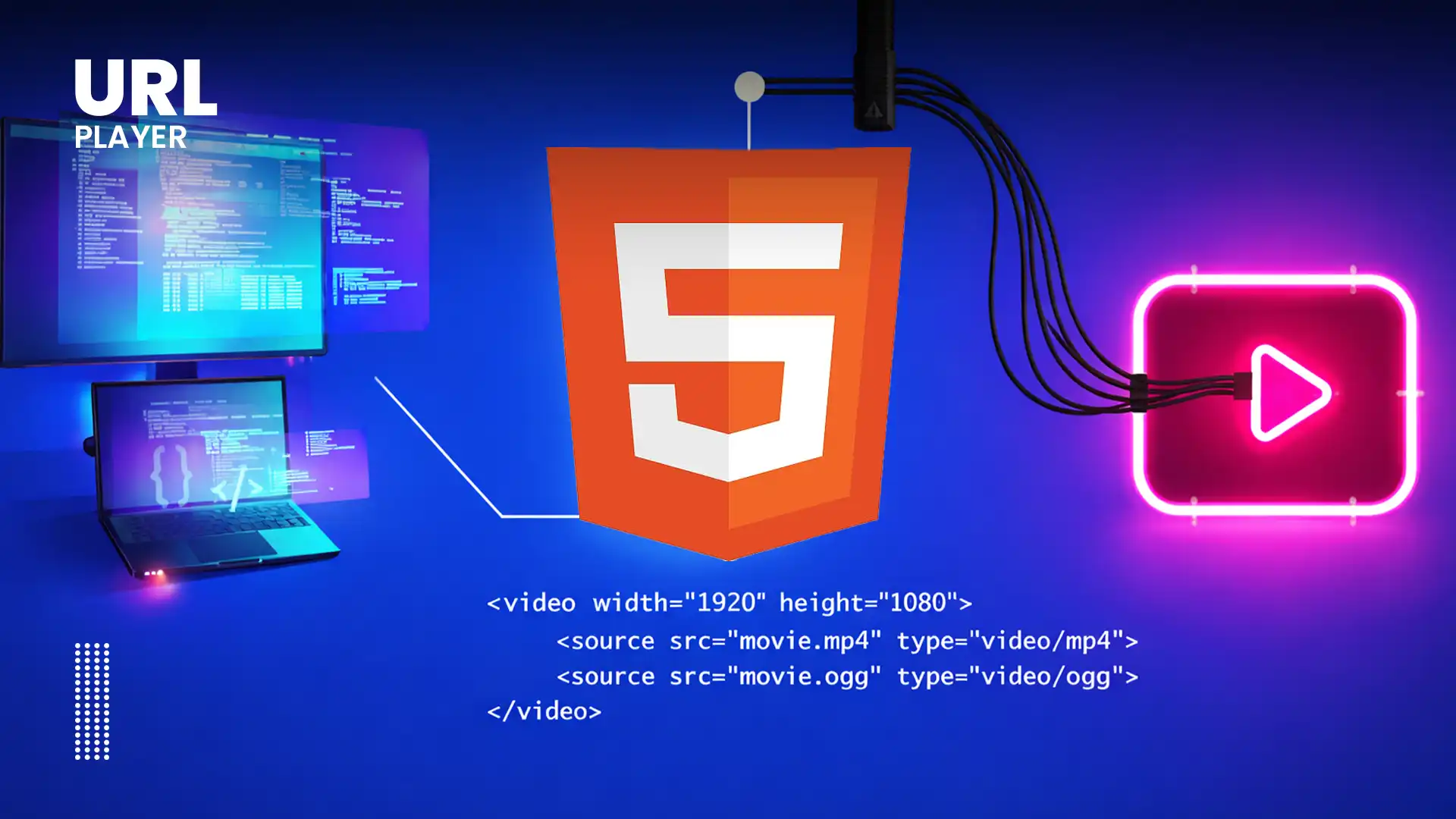
The evolution of web streaming continues.
Upcoming improvements include:
- Low-Latency HLS (LL-HLS)
- Low-Latency DASH
- AI-powered bitrate selection
- Improved mobile GPU acceleration
- WebAssembly-based decoding
- More efficient DRM integration
HTML5 will remain the backbone of web-based streaming.
Conclusion
HTML5 video players are the backbone of modern internet streaming.
By combining:
- Media Source Extensions (MSE)
- Encrypted Media Extensions (EME)
- Adaptive bitrate algorithms
- JavaScript streaming engines
They successfully handle M3U8 and DASH streams across devices, browsers, and network conditions.
Understanding how HTML5 players manage adaptive streaming is essential for:
- Developers
- Streaming engineers
- Content creators
- QA teams
- Media platforms
As web technologies evolve, HTML5-based streaming systems will continue to improve in performance, security, and efficiency — ensuring smooth video playback everywhere.